|
LED PCI Backlight Mod Stuff and tools needed:
Well, to begin with I open up the computer I’m going to modify and take out 2 of the
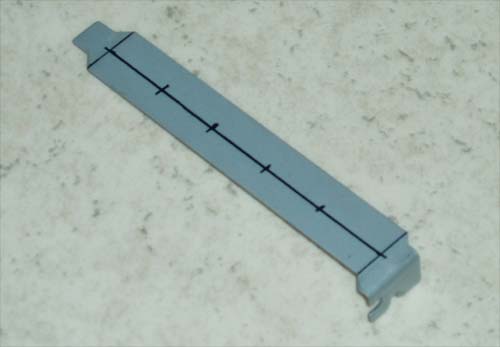
PCI-slot covers. Then I measure up the distances between the holes for the LED’s that I’m going to drill. I found out that putting the holes with approx. 2 cm distances works quite well.
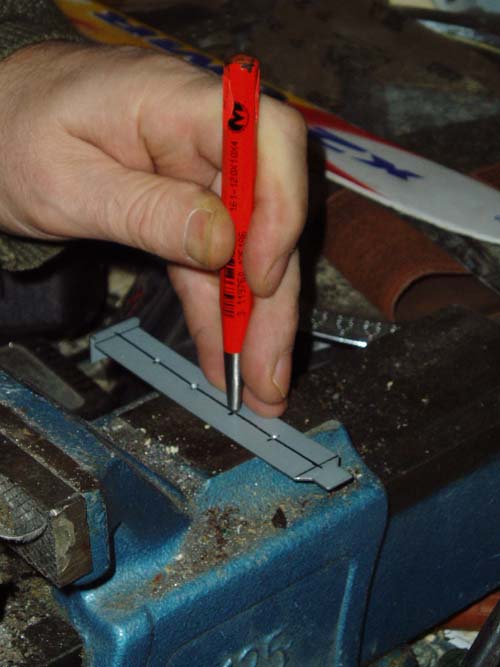
Use a puncher to make drilling easier.
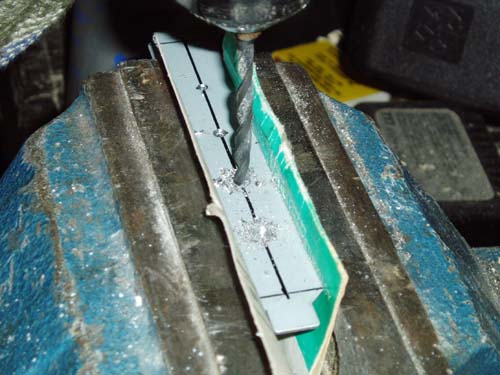
Drill! Since my LED’s where 5 mm ones, I’ll have to drill two times, first with a 3 mm drill, then with a 5 mm drill.
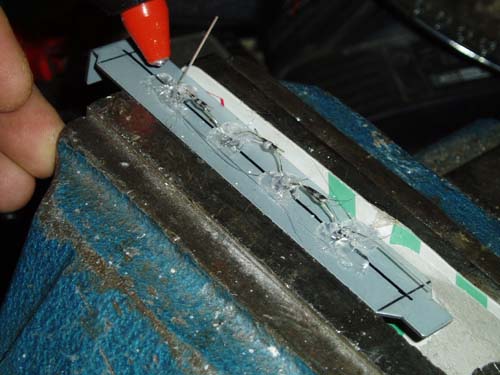
After the holes were made, I put in the LED's and glued them in place to make soldering easier.
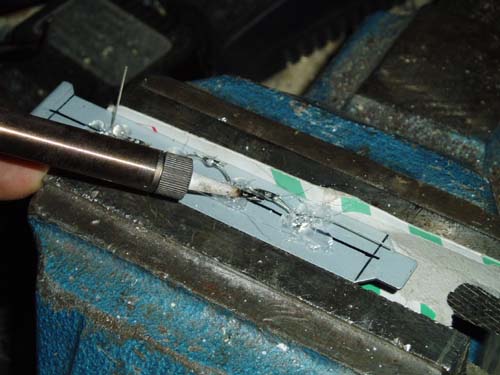
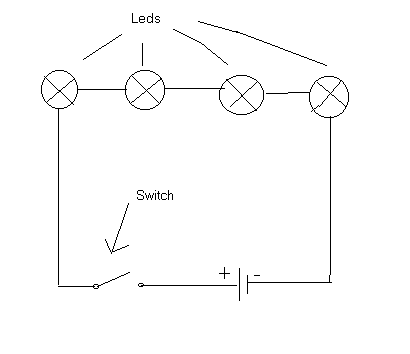
Solder! Make sure you get the polarity right. After this it gets real simple, just drill the hole for the switch in the other cover, and solder all the wires.
Here's the wiring schematics...
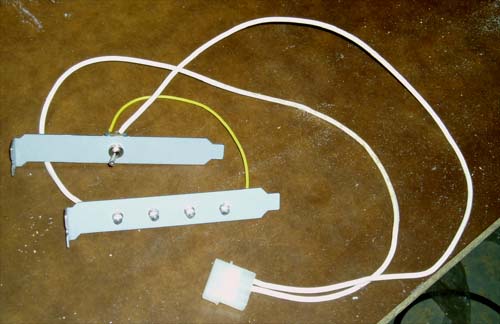
Finished! Doesn't it look nice?
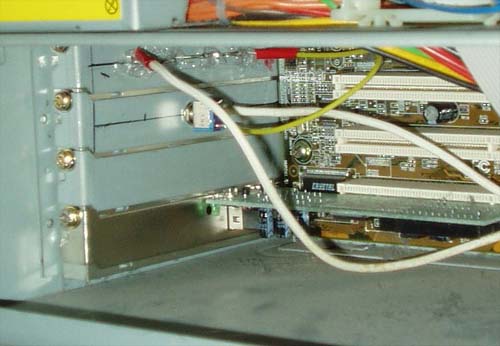
Here you can see how I installed it....
And here's how it looks like when turned on....
Happy Modding - Guide written by Sebastian Storholm |
|
Disclaimer: This how-to guide is presented for informative purposes only. CaseModGod.com can not and will not be held responsible for damages to or resulting from anything that you may decide to do to your case or hardware and also can not and will not be held responsible for injury to your self or others as a result of attempting any of the things that are shown on this site. Basically you are responsible for your own actions whether said actions were based on information garnered from this site or elsewhere, learn to deal with it. |